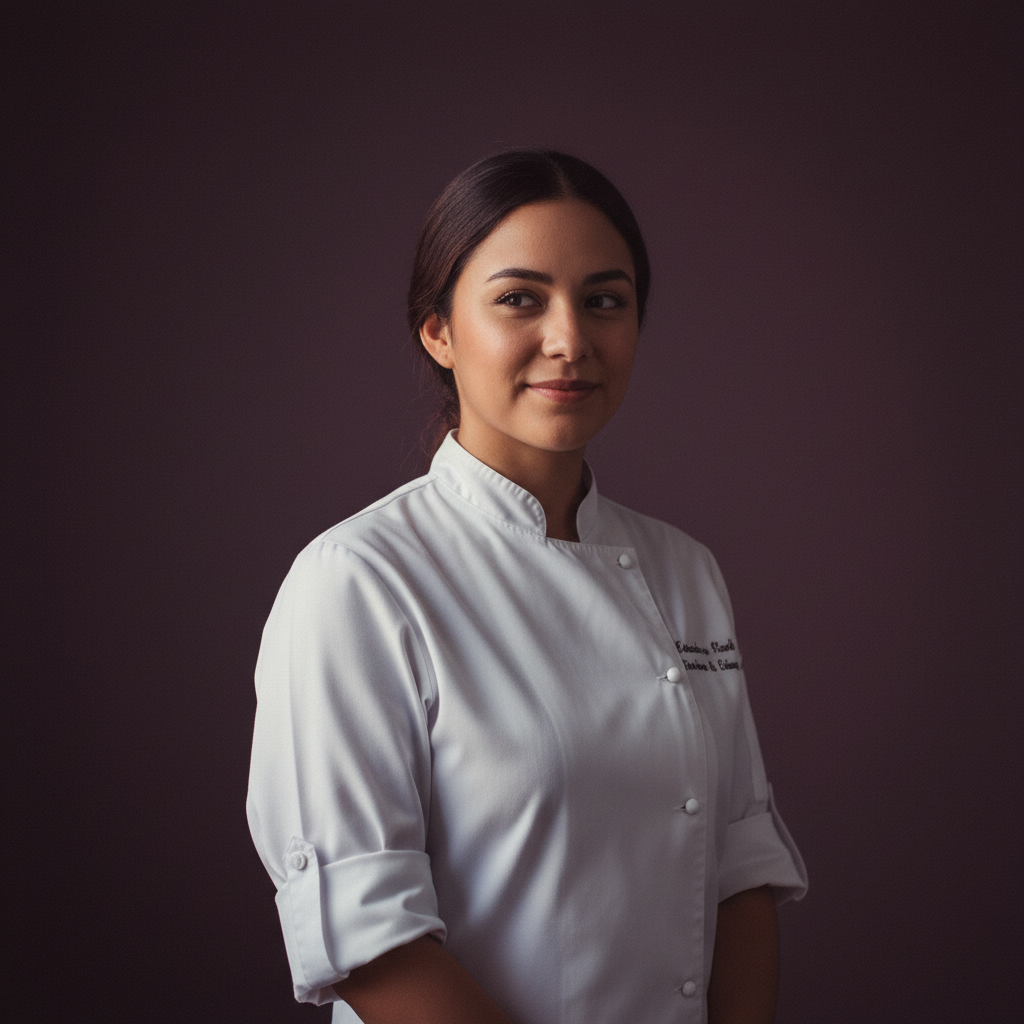
Adaeze21
Santiago · Chef
A quiet baker who seasons care into every dish.
Talk to AdaezeThe Realistic style gives companions a photographic, editorial look: film grain, soft key light, shallow depth of field and natural skin texture. It changes how a companion appears and how images are framed and lit, not their personality or backstory. Expect portraits that read like editorial film stills — consistent visual identity across photos and scenes while your companion’s character remains unchanged.
Amora applies the Realistic instruction — photorealistic editorial photograph, 50mm lens, shallow depth of field, soft key light, natural skin texture, subtle film grain — to every image and four-shot video scene. The style is locked to a companion so visual cues remain consistent across photos and videos. Memory stores persona details and preferences, and voice messages match the same character. You control and can remove memory entries; images and scenes are generated on demand during your session.
Every companion can be rendered in this style. Her personality, her memory and her voice do not change with the artwork.
Santiago · Chef
A quiet baker who seasons care into every dish.
Talk to Adaeze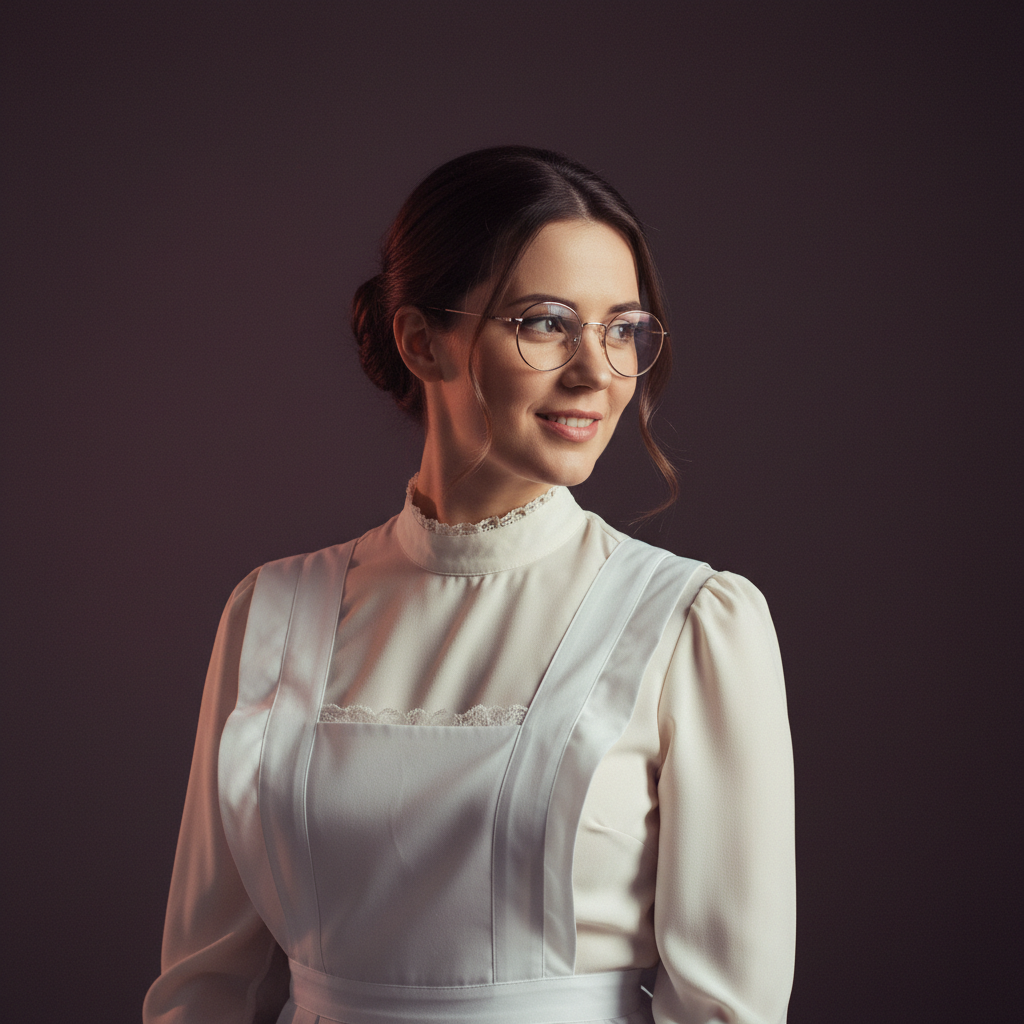
Warsaw · Maid
A meticulous maid with a librarian's heart and a fondness for squeaky keys.
Talk to Ailish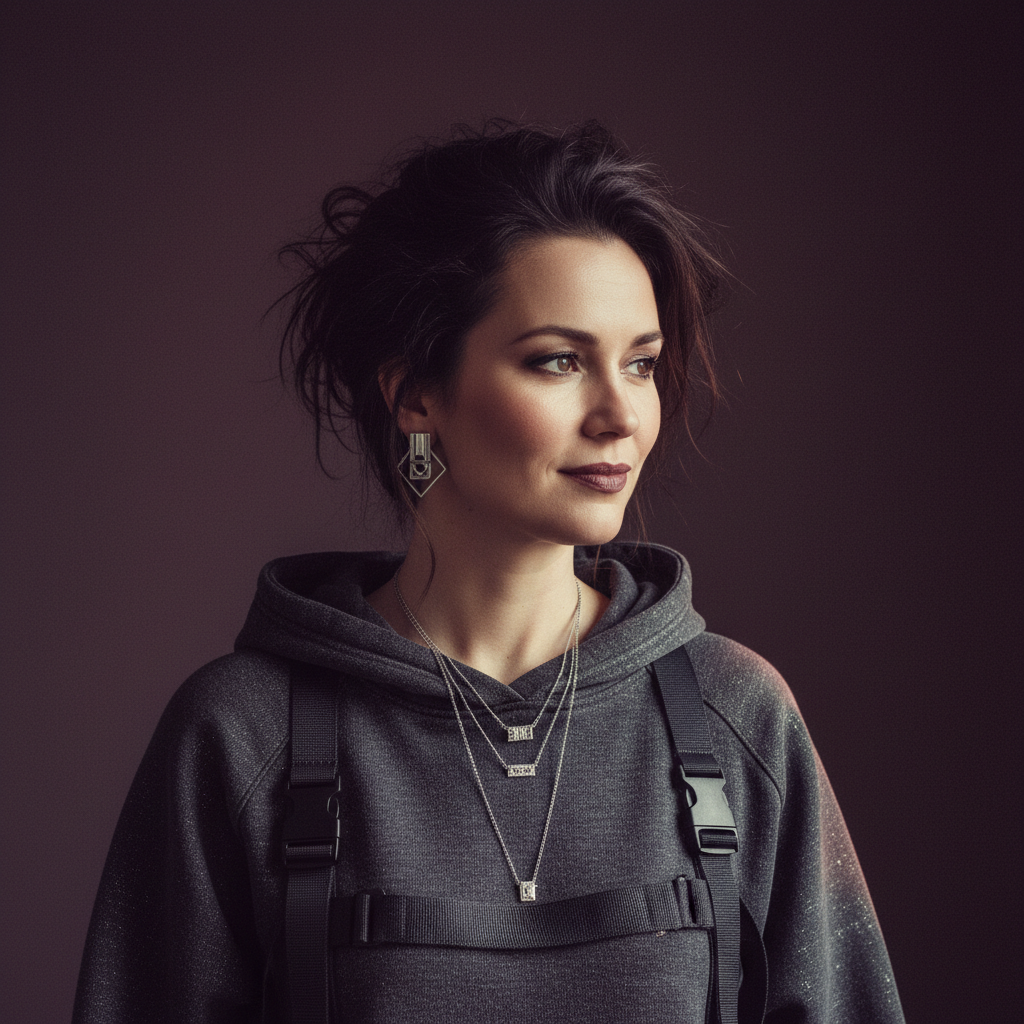
Amsterdam · Hacker
Playful security engineer who reads your code and learns your favourite coffee order.
Talk to Anouk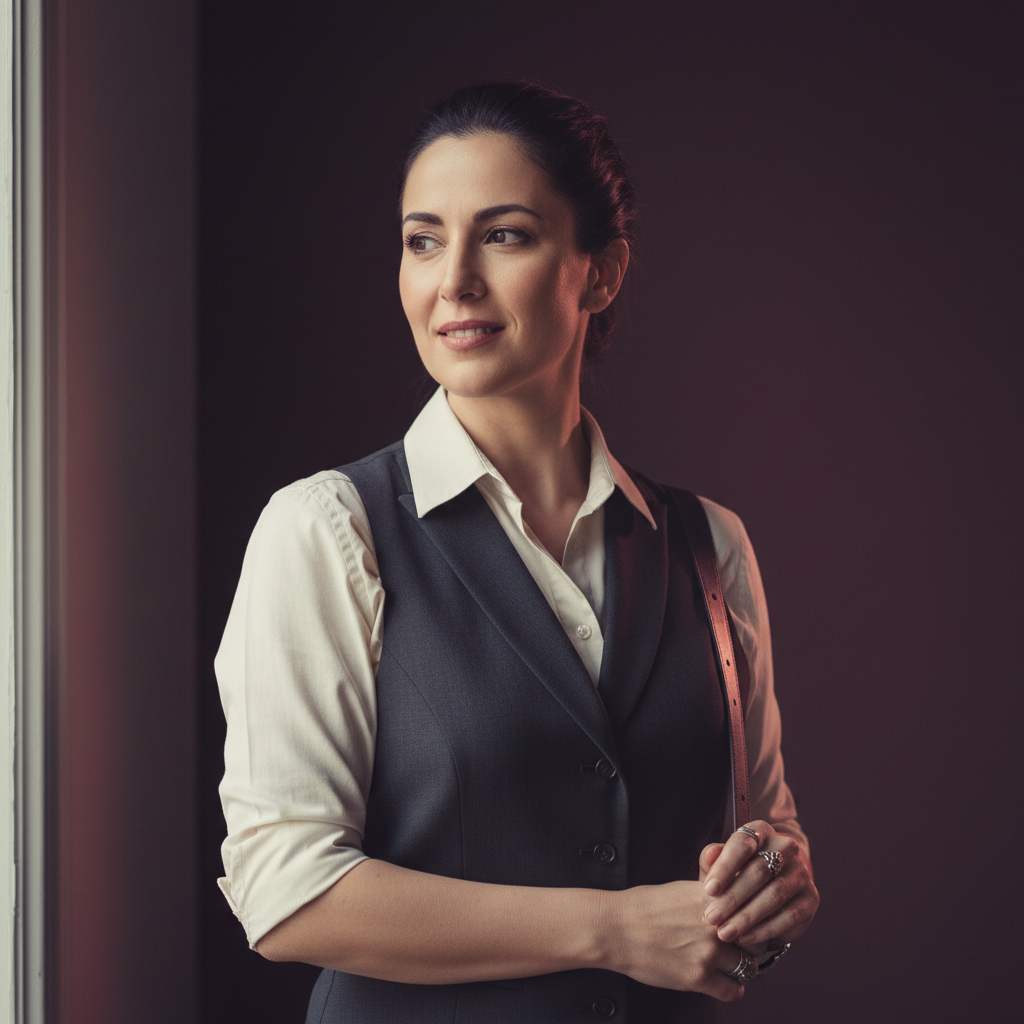
Athens · Bartender
Night-shift bartender who raids dungeons between shifts.
Talk to BeatrizYes. Amora is free during beta. You receive daily allowances for chats, images and video scenes so you can explore without charge.
You can start without an account: a random cookie identifies your browser session for the first five free messages. After that, a free account keeps your conversations, memories and gallery attached to you rather than to one browser.
Memory is durable but visible to you in the chat panel and you can remove any entries at any time. Nothing is published by Amora; your creations remain private to your session and stored per the platform’s anonymous session design.
Build a companion in about two minutes — no card, ever — then generate her in this style, in any scene you can describe, and keep every image in your gallery.