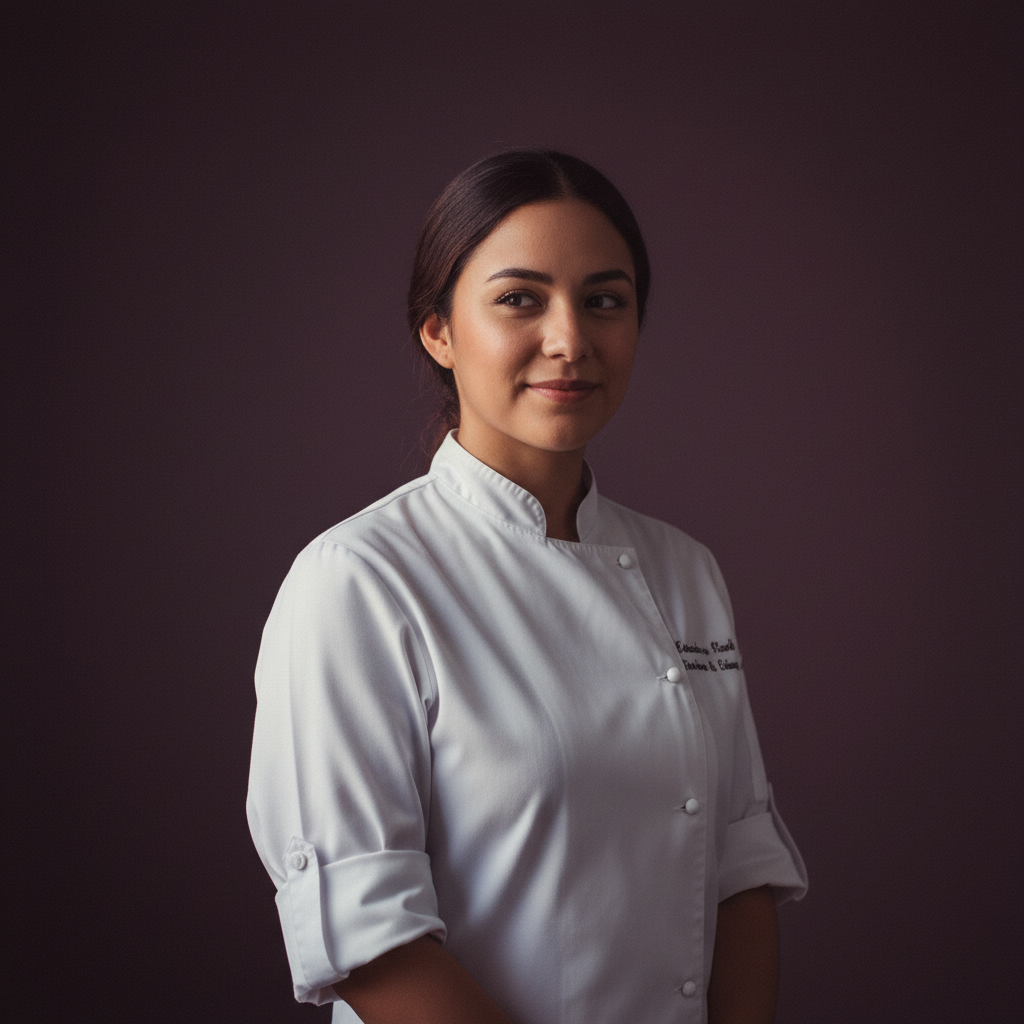
Adaeze21
Santiago · Chef
A quiet baker who seasons care into every dish.
Talk to AdaezeAmora's AI video generator assembles a short scene from a set of AI-generated stills, sequences them with simple transitions and renders a single downloadable clip. You pick the stills, choose pacing and a basic motion style. The tool is designed for short, stylised scenes - not for long-form films, precise live-action replacement or complex photoreal character animation. Expect simple motion between frames and quick exports, with the option to review and edit before rendering.
Sixty-three written companions and anything you create yourself — the feature behaves the same whichever one you are talking to.
Santiago · Chef
A quiet baker who seasons care into every dish.
Talk to Adaeze
Warsaw · Maid
A meticulous maid with a librarian's heart and a fondness for squeaky keys.
Talk to Ailish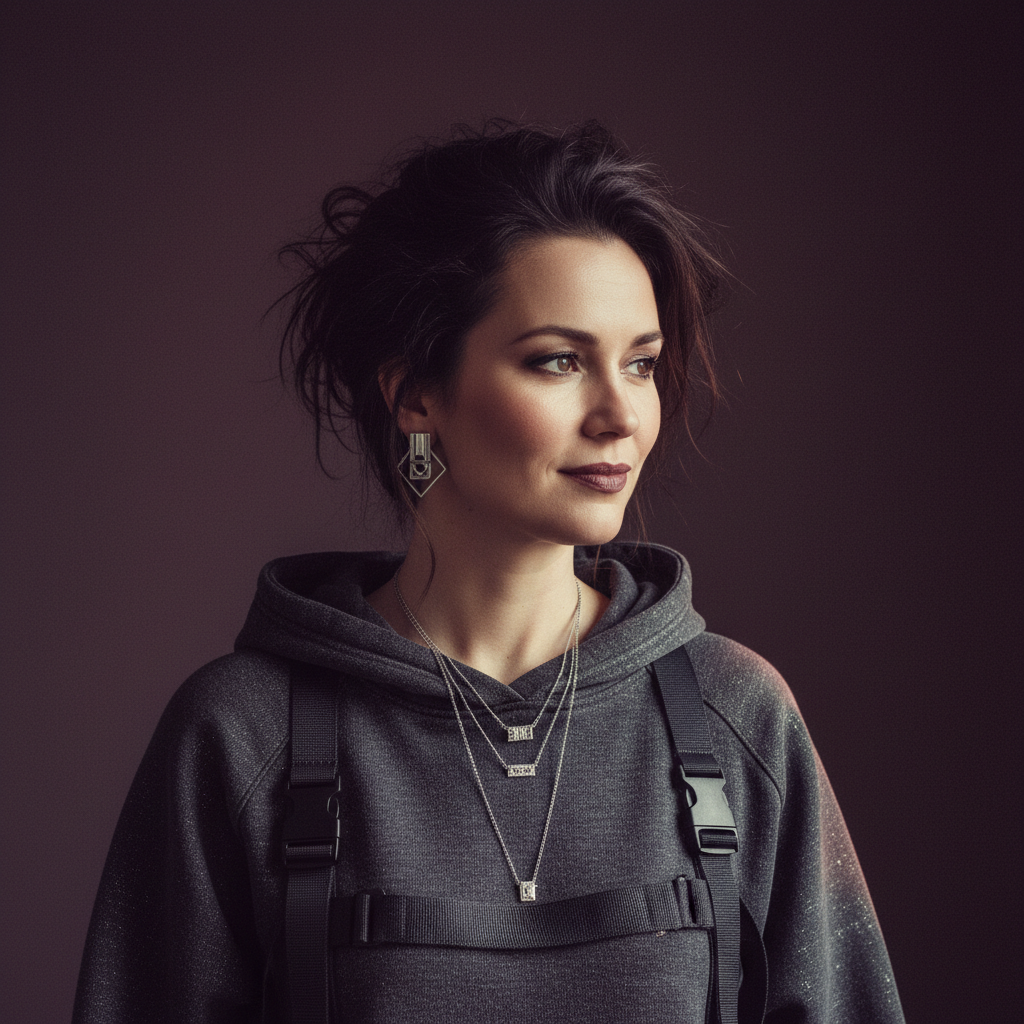
Amsterdam · Hacker
Playful security engineer who reads your code and learns your favourite coffee order.
Talk to Anouk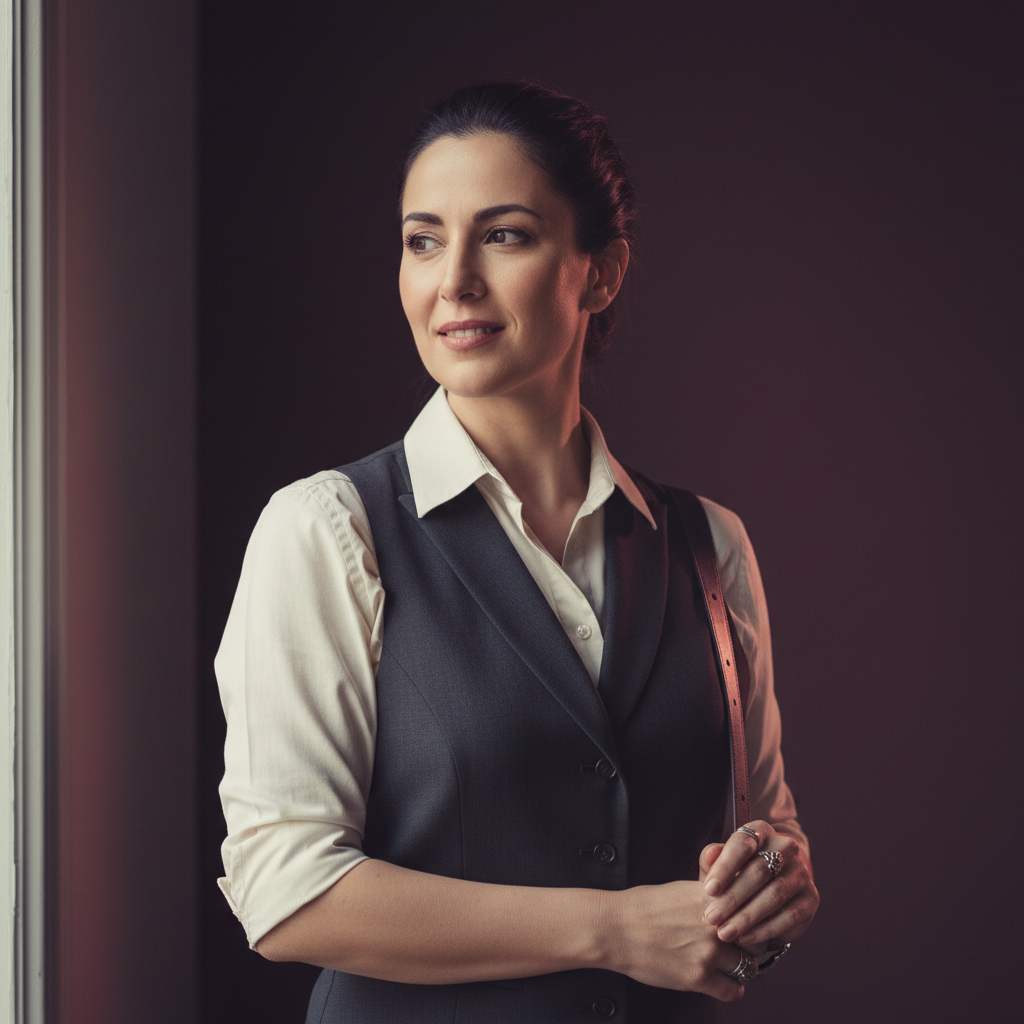
Athens · Bartender
Night-shift bartender who raids dungeons between shifts.
Talk to BeatrizClip length is configurable in the editor by setting per-frame duration and overall timing. The feature is optimised for short scenes and may limit maximum export length to keep rendering fast and file sizes manageable. For longer or higher-fidelity projects, use dedicated video editing software.
You can attach a short audio bed or soundtrack during export where supported. The tool does not perform automated lip-sync to dialogue or generate full narration. For precise voice timing and long voice tracks, prepare audio externally and layer it in a dedicated editor after export.
The output can be stylised, but photorealism is not guaranteed. Results depend on the source stills and the prompts used to generate them. The generator focuses on coherent short scenes rather than exact live-action replication, so expect painterly or cinematic renderings more often than perfect photoreal imagery.