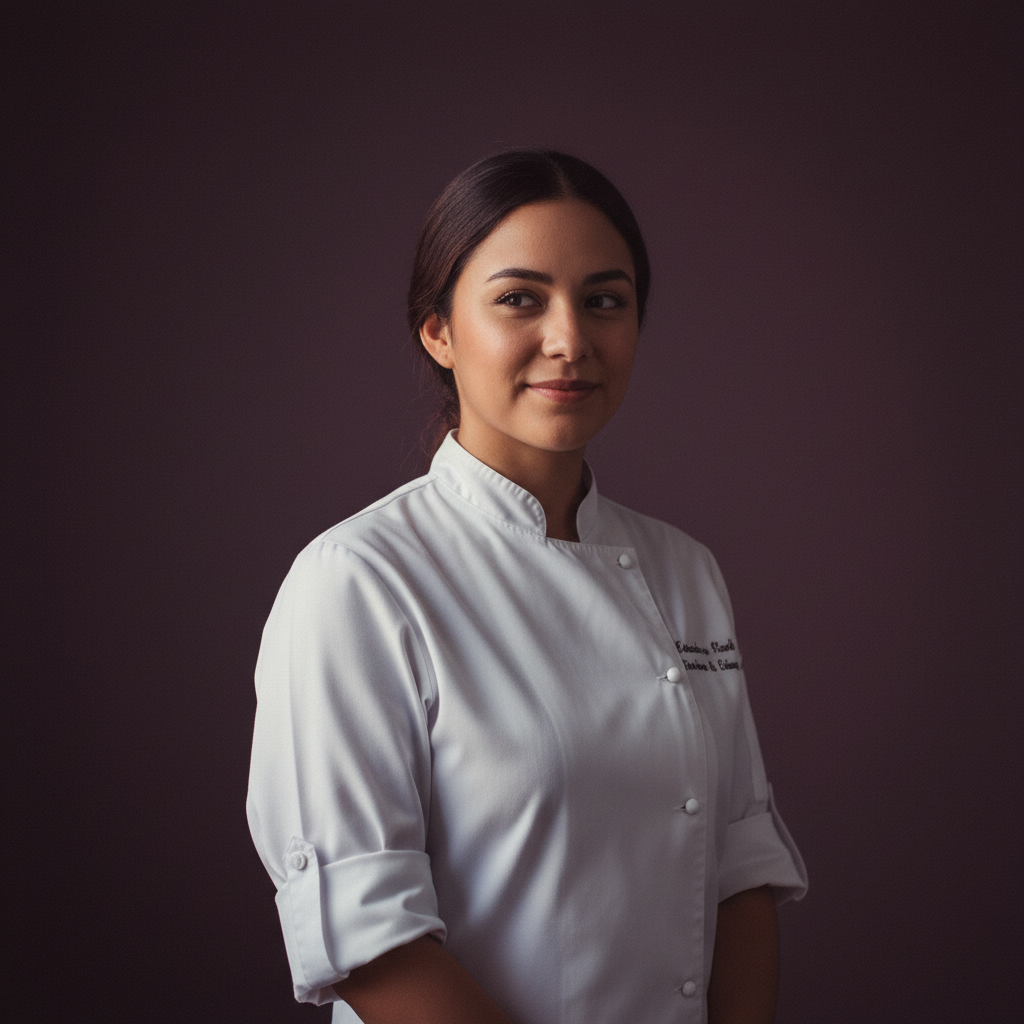
Adaeze21
Santiago · Chef
A quiet baker who seasons care into every dish.
Talk to AdaezeYou can start without an account: a random cookie identifies your browser session for the first five free messages. After that, a free account keeps your conversations, memories and gallery attached to you rather than to one browser.
Sixty-three written companions and anything you create yourself — the feature behaves the same whichever one you are talking to.
Santiago · Chef
A quiet baker who seasons care into every dish.
Talk to Adaeze
Warsaw · Maid
A meticulous maid with a librarian's heart and a fondness for squeaky keys.
Talk to Ailish
Amsterdam · Hacker
Playful security engineer who reads your code and learns your favourite coffee order.
Talk to Anouk
Athens · Bartender
Night-shift bartender who raids dungeons between shifts.
Talk to BeatrizNo installation required. Amora uses your browser’s built-in speech engine, so playback starts immediately on the first reply. There’s nothing to install—just open the chat and press play. Nothing you write is published or shown to other users.
Yes, within the same device. Her pitch, pace and voice selection come from a profile based on her own record, so she is recognisably herself each session. Across different devices the underlying voice set differs, which can shift the timbre slightly.
She reads what you type, and she also receives voice notes: you record one in the browser and it is transcribed into text before she answers. Nothing is captured until you press the microphone control.